Contacts
Contacts
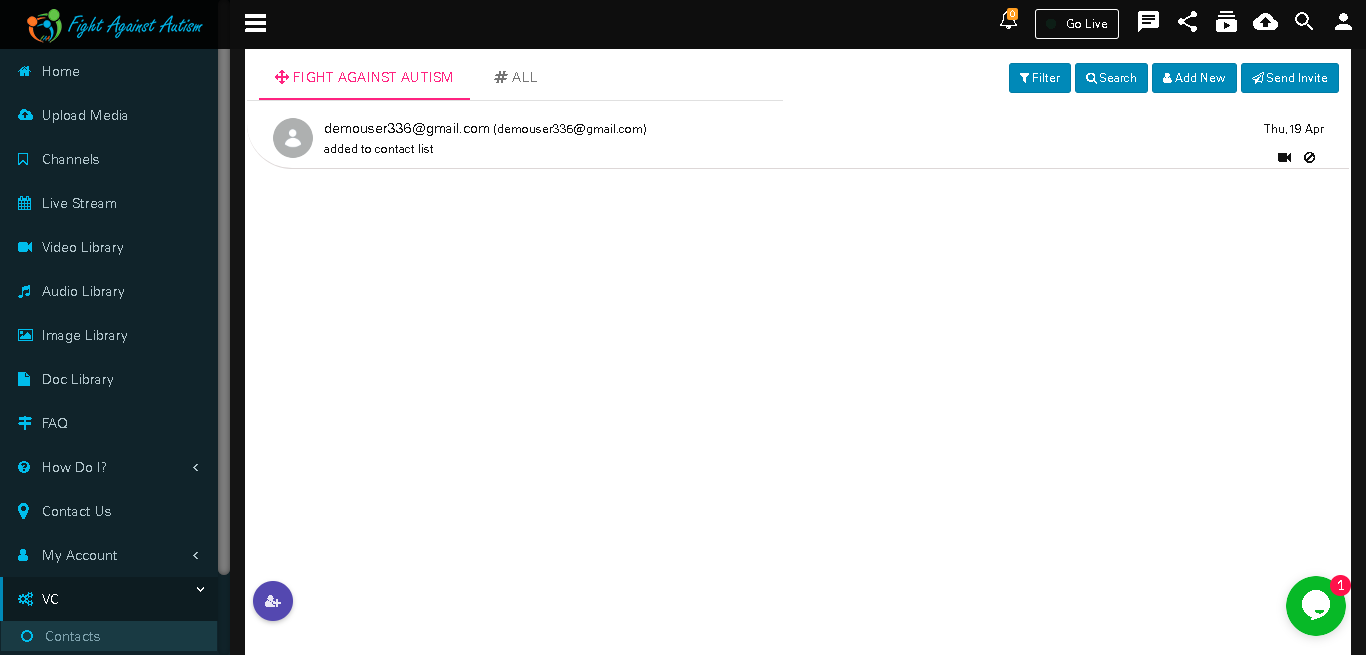
In ‘FIGHT AGAINST AUTISM’ tab you will see contacts.
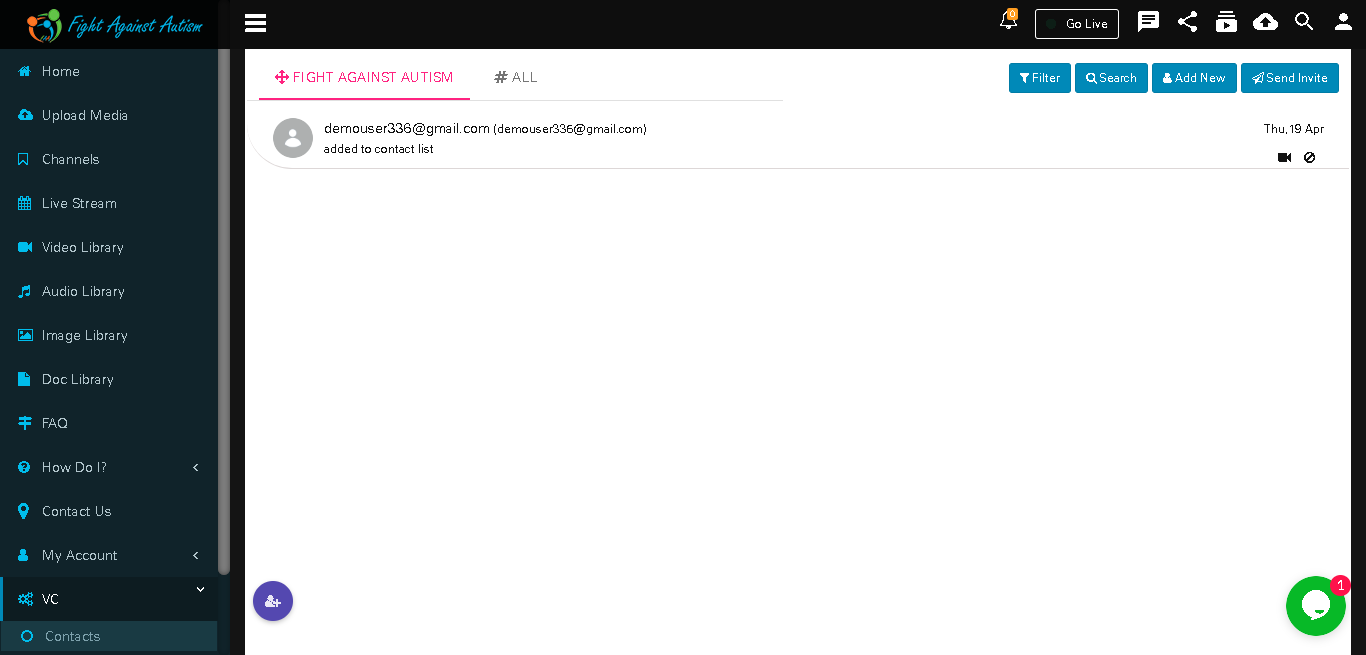
To add a contact you can send invitation to that contact by clicking on ‘Send Invite’ button.
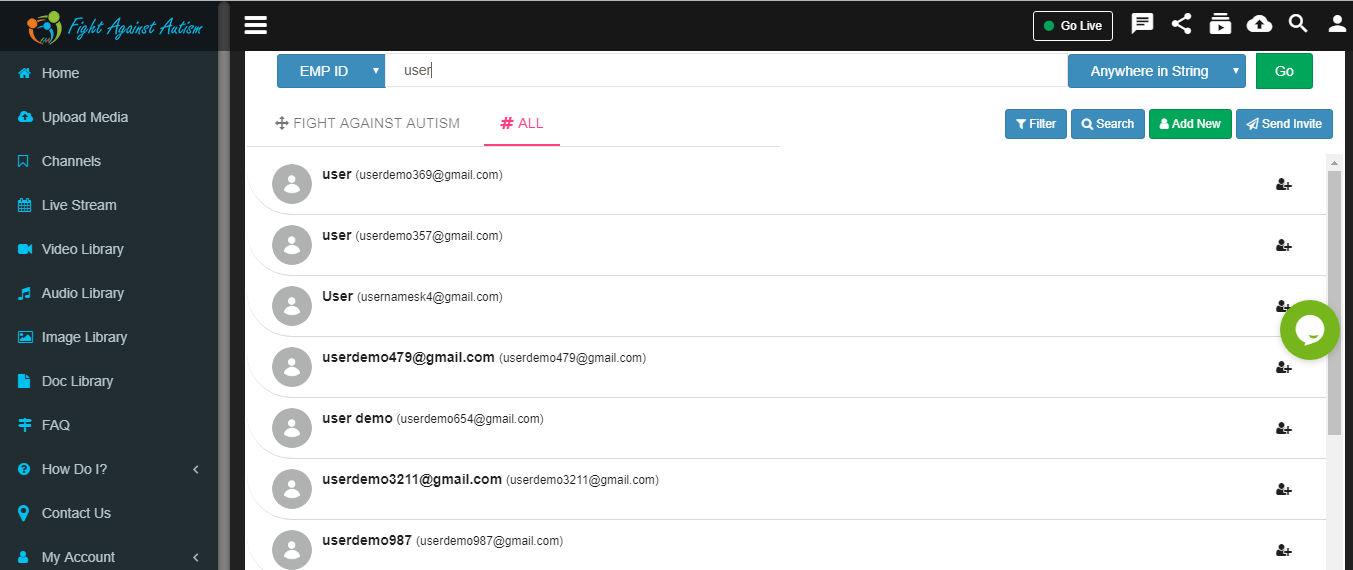
In ‘ALL’ tab you will see all contacts. To add a contact just click on ‘+’ icon in front of relevant contact.
Click on ‘Add’ button.

Contact is added.

Select contact searching criteria. And search the contacts by clicking on "Anywhere in string"

Contact search result.
Add New User
Click on ‘Add User/Group button add new user or group.
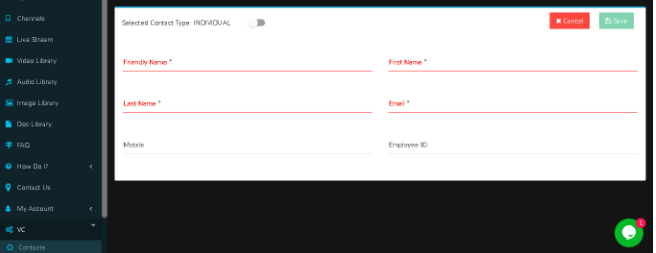
Fill in relevant information about given desired contact and click on save button.

Contacts save successfully in contact list

Create group
User can click on Add user/Group on for create group and click on individual .

Fill all relevant data and choose Group Admin , Group member
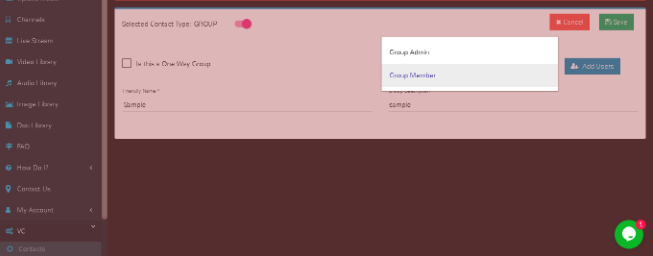
Add members in a group

After selecting member click on SAVE button

User can see created group by clicking on "filter" button and "Group".

We can do one to one chat with contact.

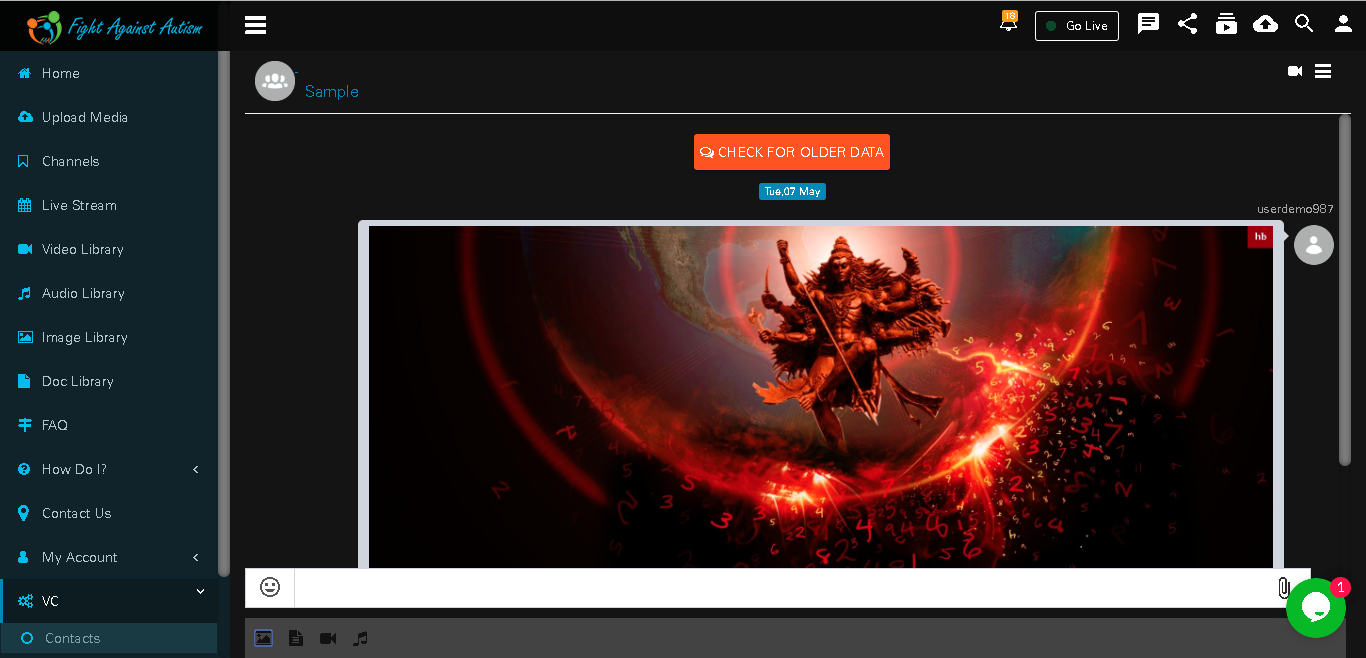
1 to 1 call
User can start 1 to 1 call by clicking on video icon of contact

Click on ‘Video Call’ button to start video call with selected contact.


User can share screen during call

Disconnect call by clicking on Disconnect button .