Upload Media
Video Upload
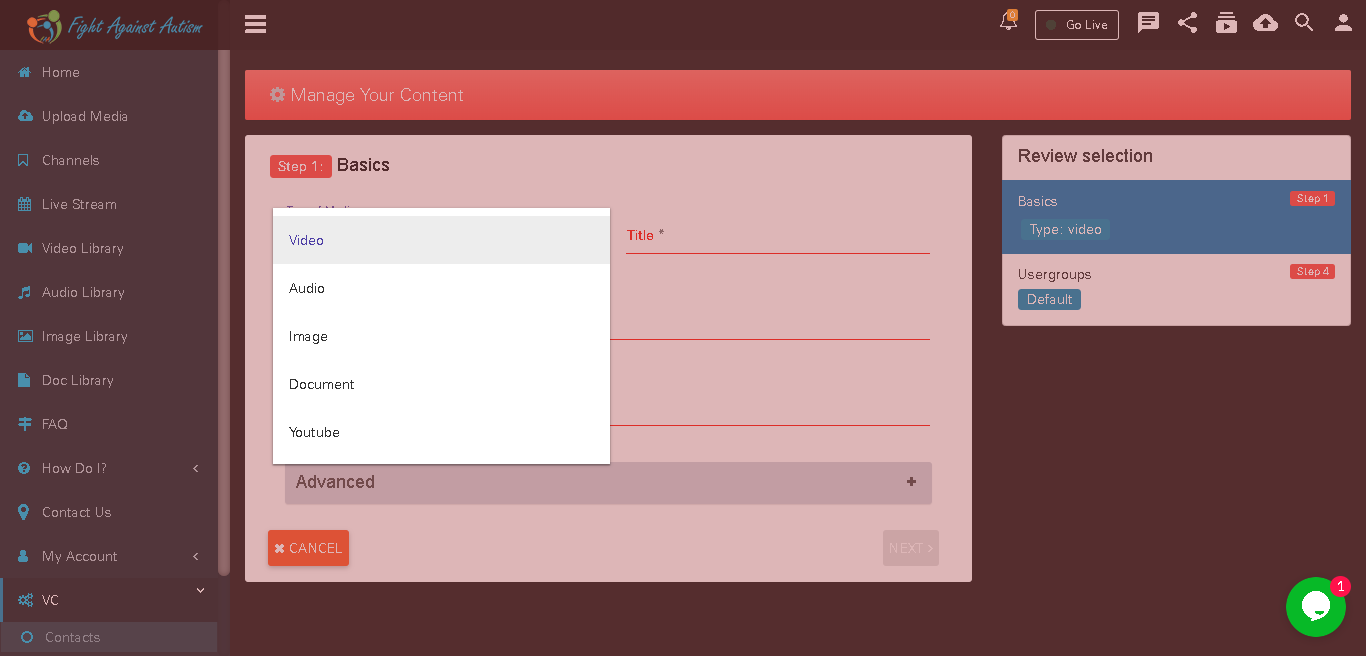
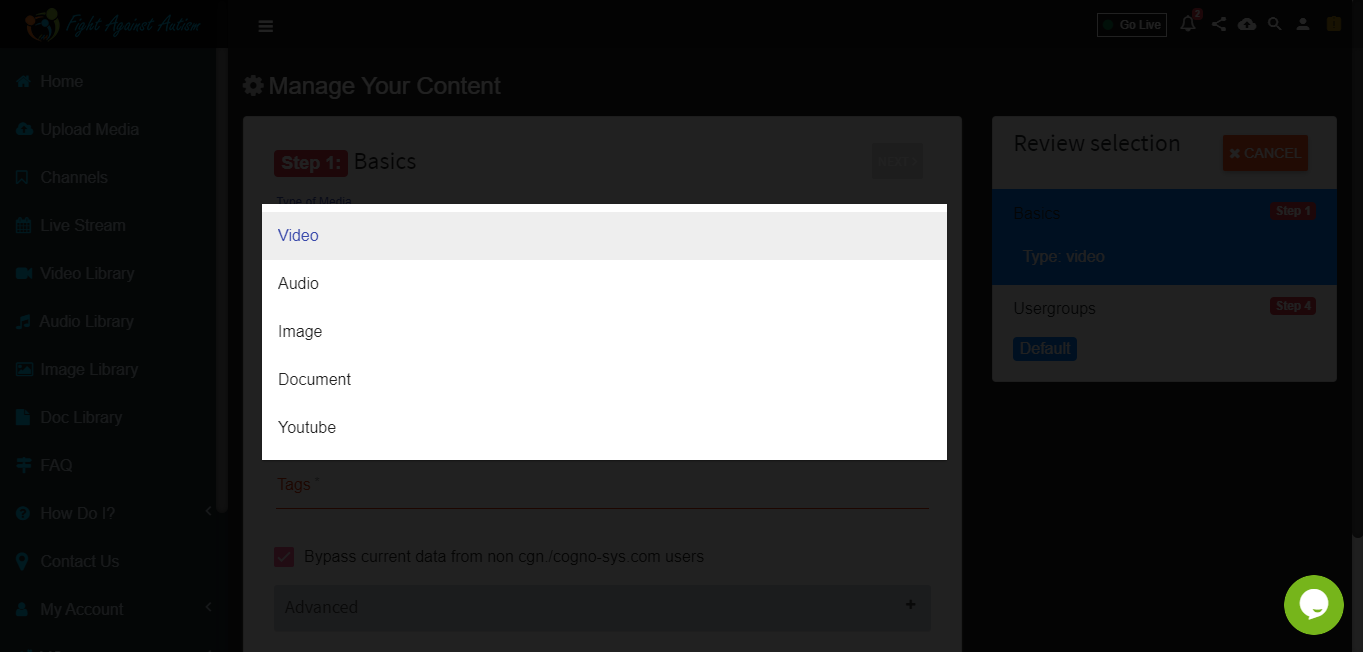
Select the type of media that you want to upload.
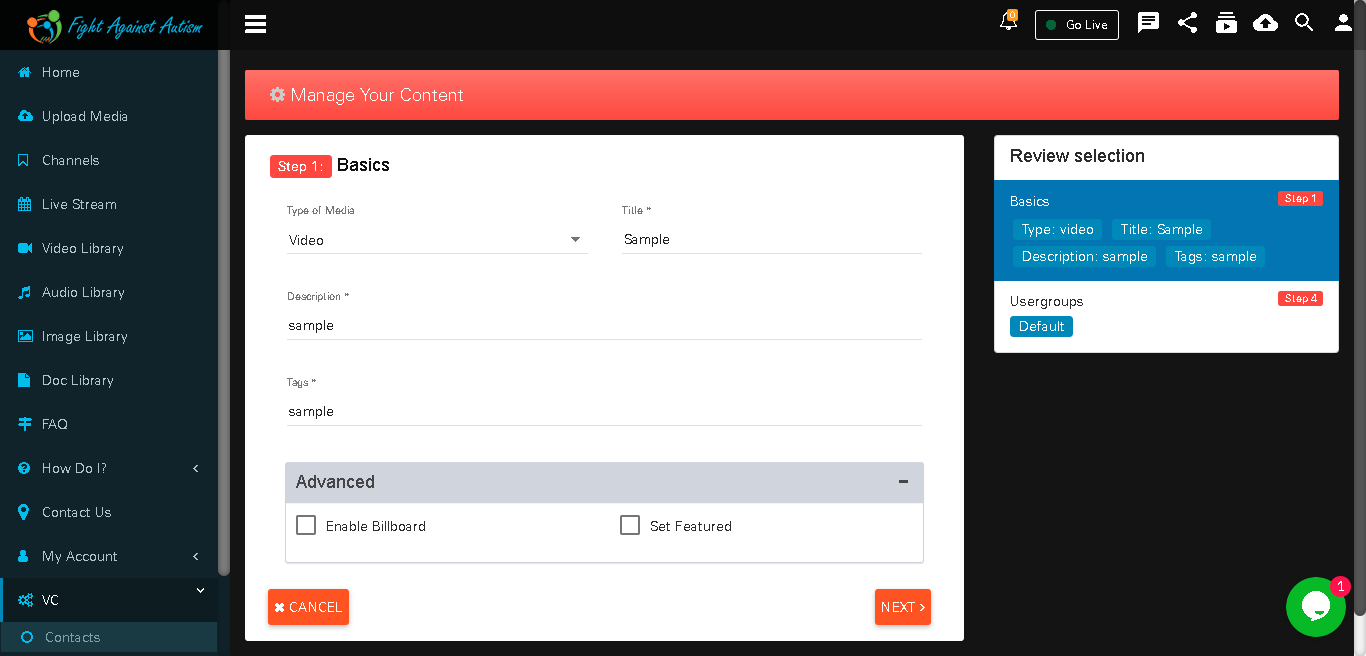
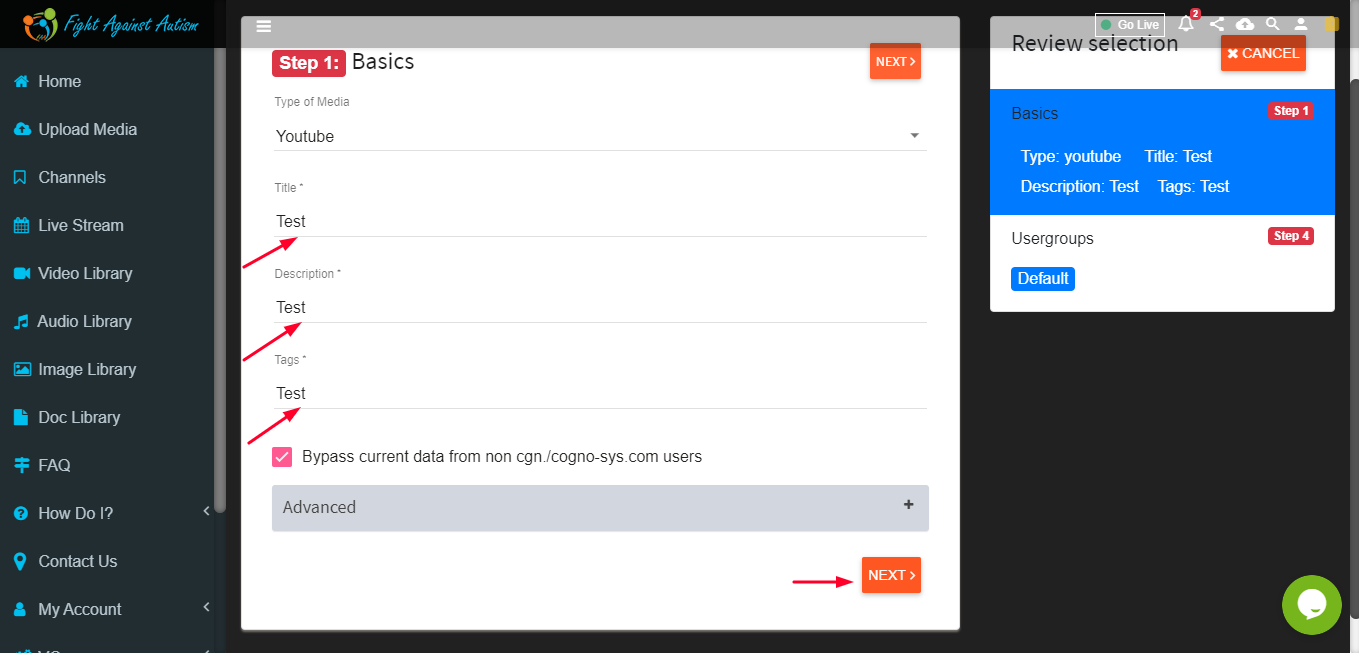
Fill in relevant information about video.
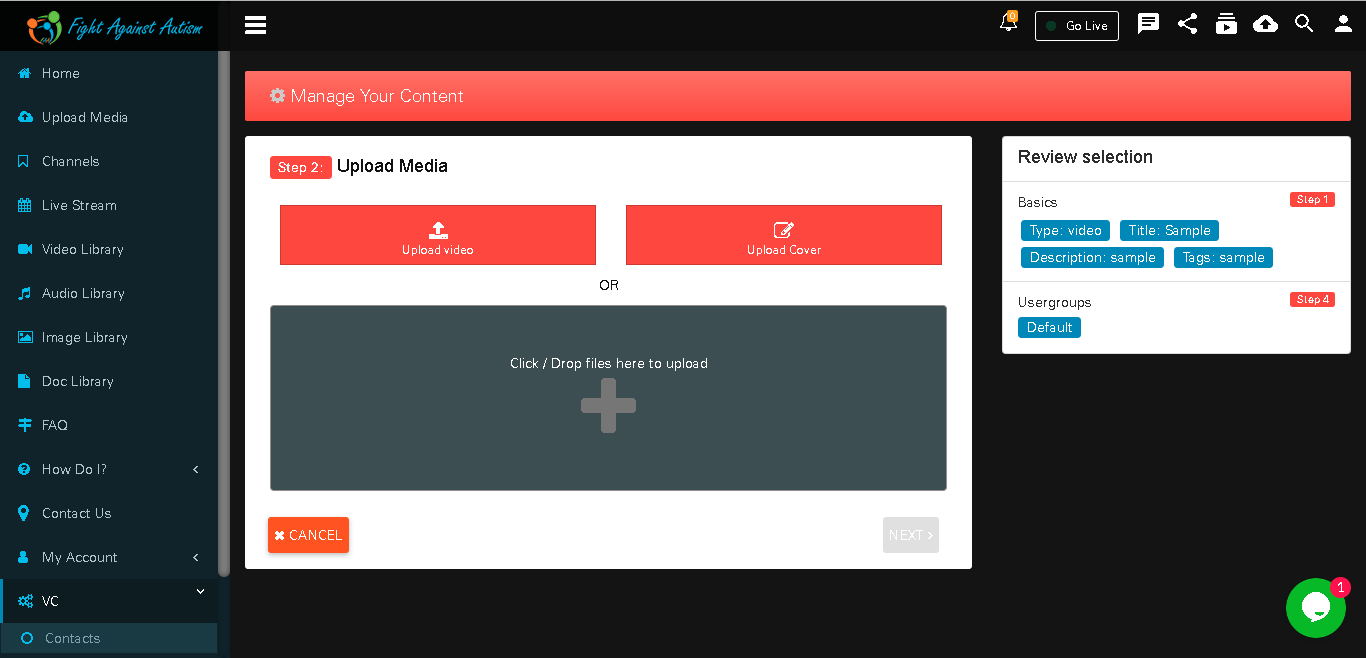
User can select and Upload video
Assign relevant channel to your video and click on save.
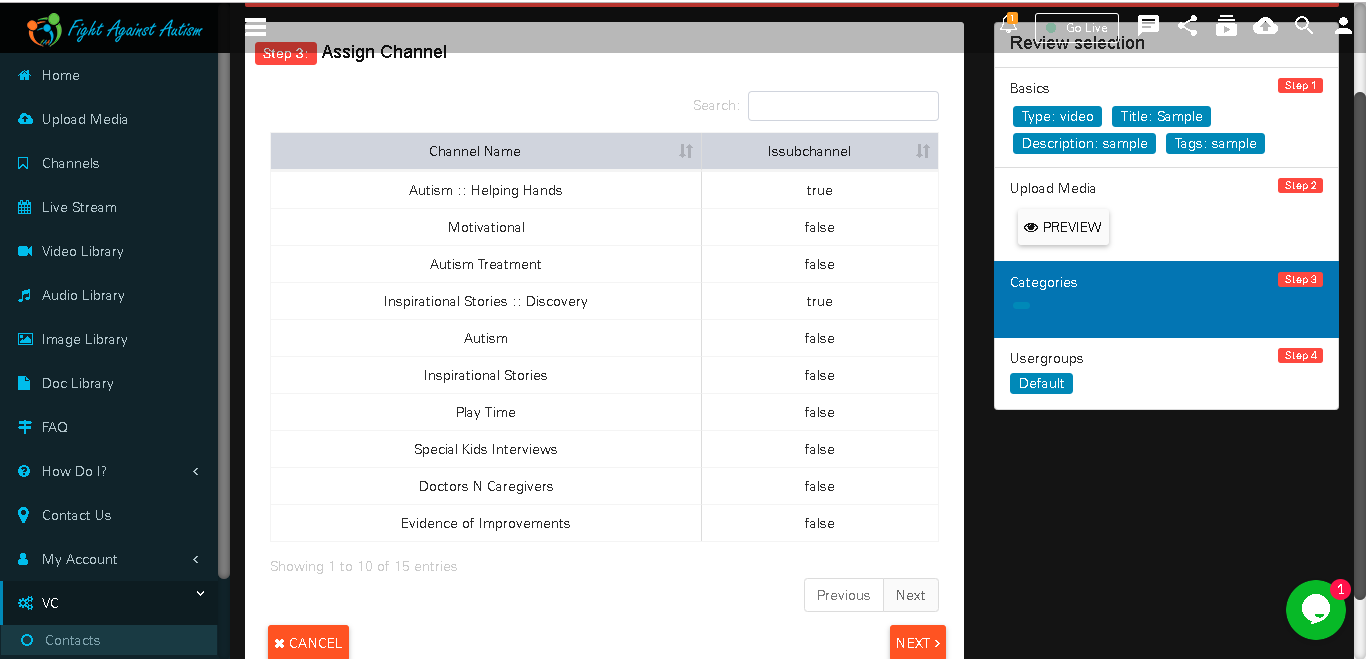
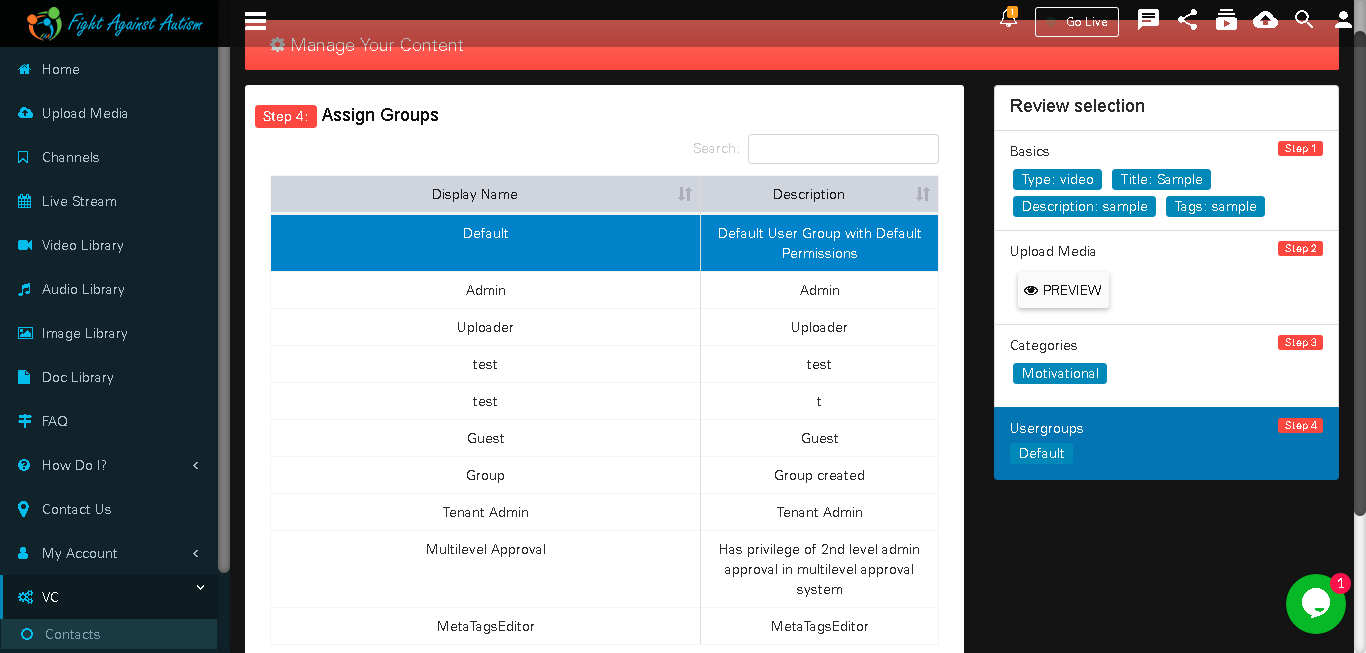
User can assign any usergroups
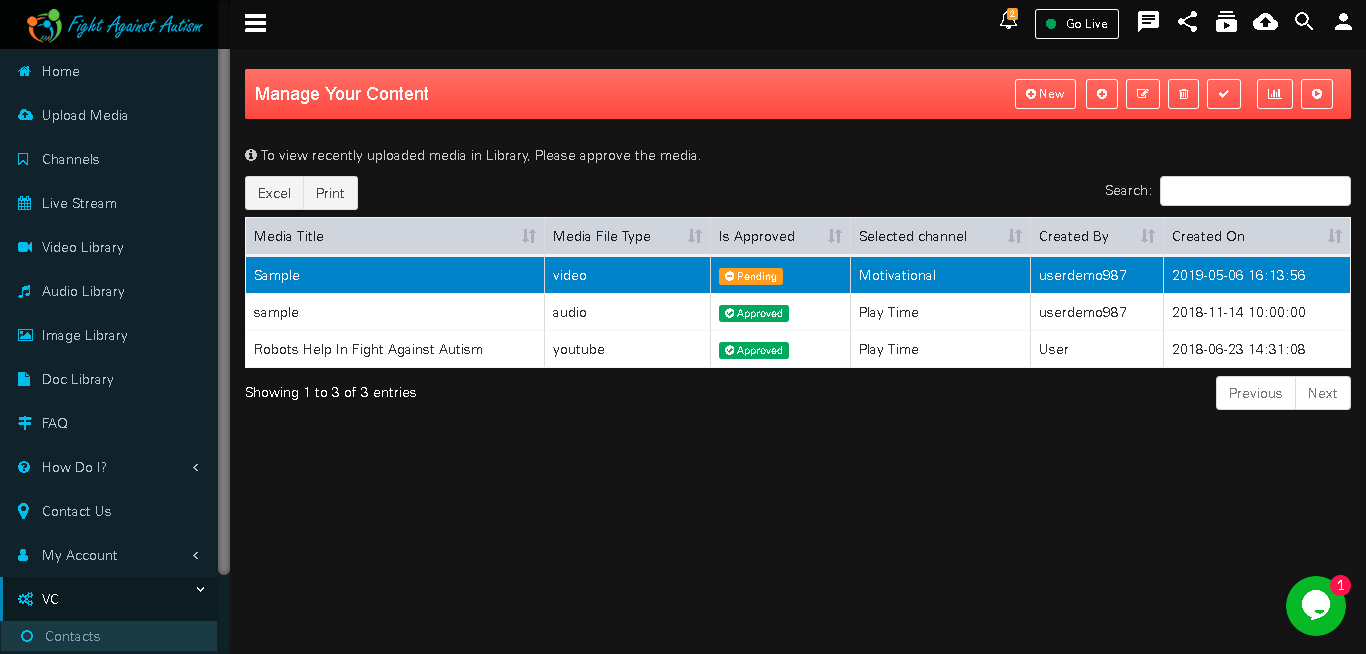
Your video is pending to approve.
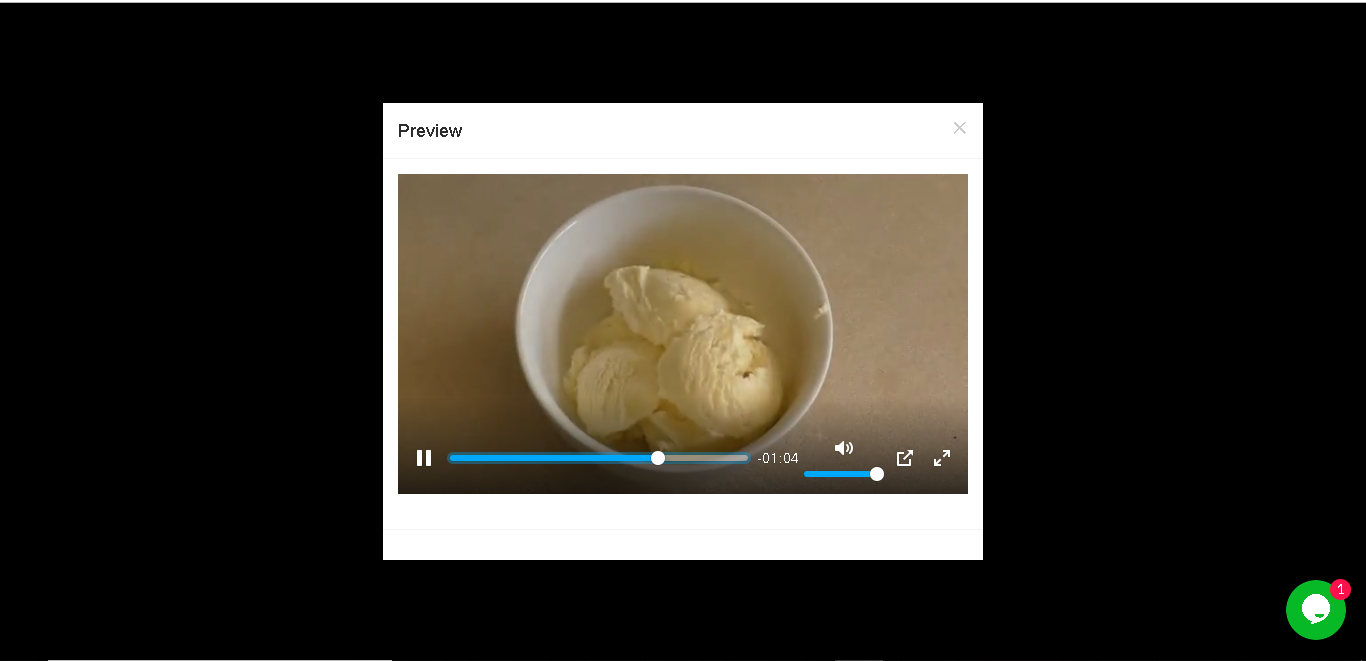
We can see our video preview in Pending video section.
We can see video metrics by by clicking on metrics button in pending media section.
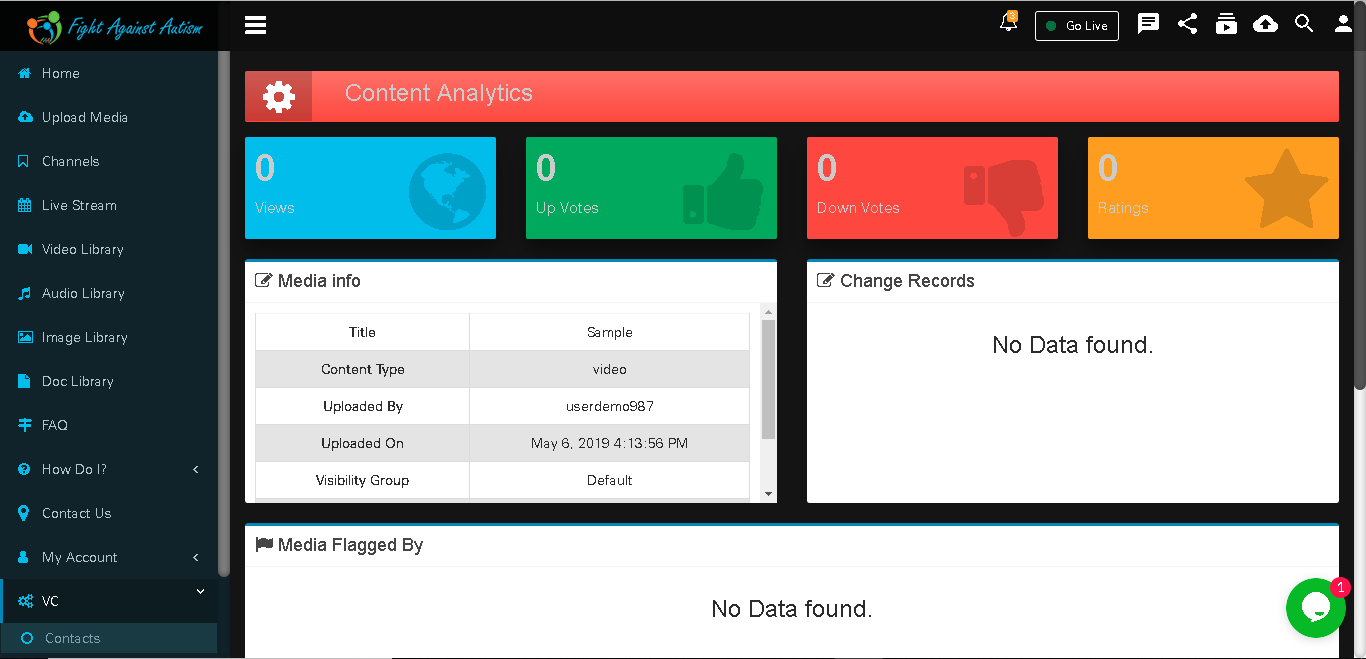
YouTube Video Upload
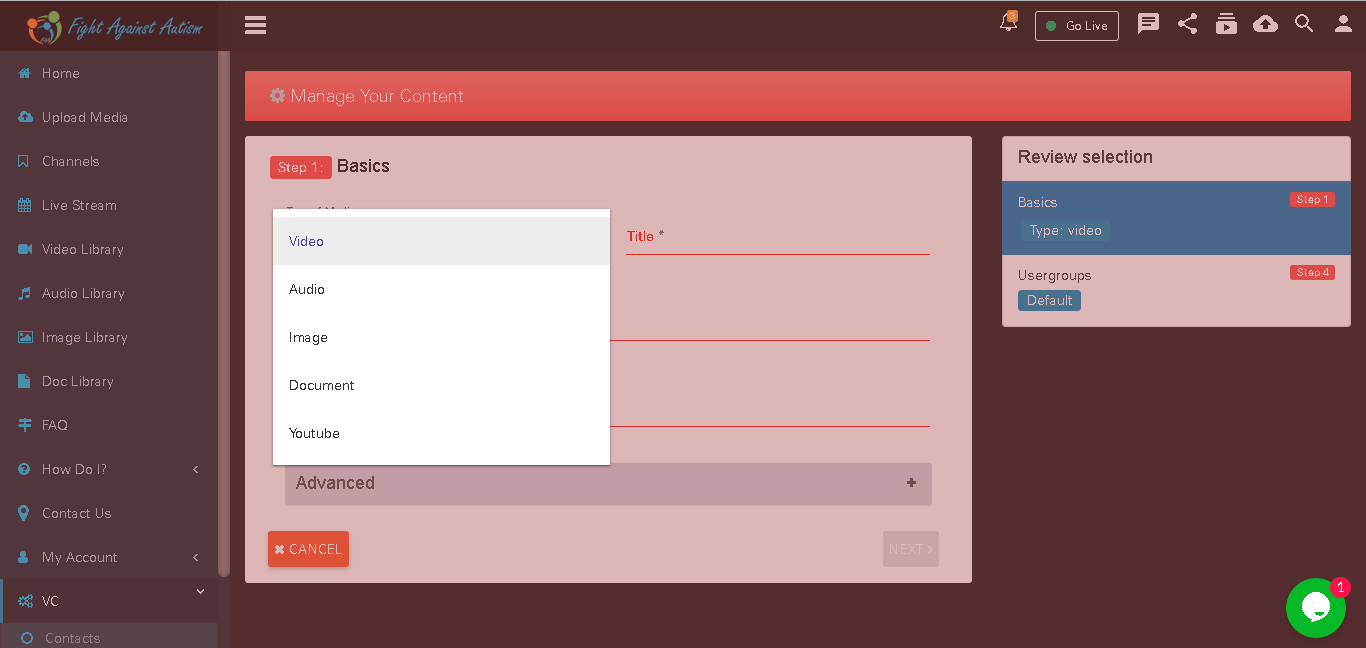
Select Media type as a ‘Youtube’
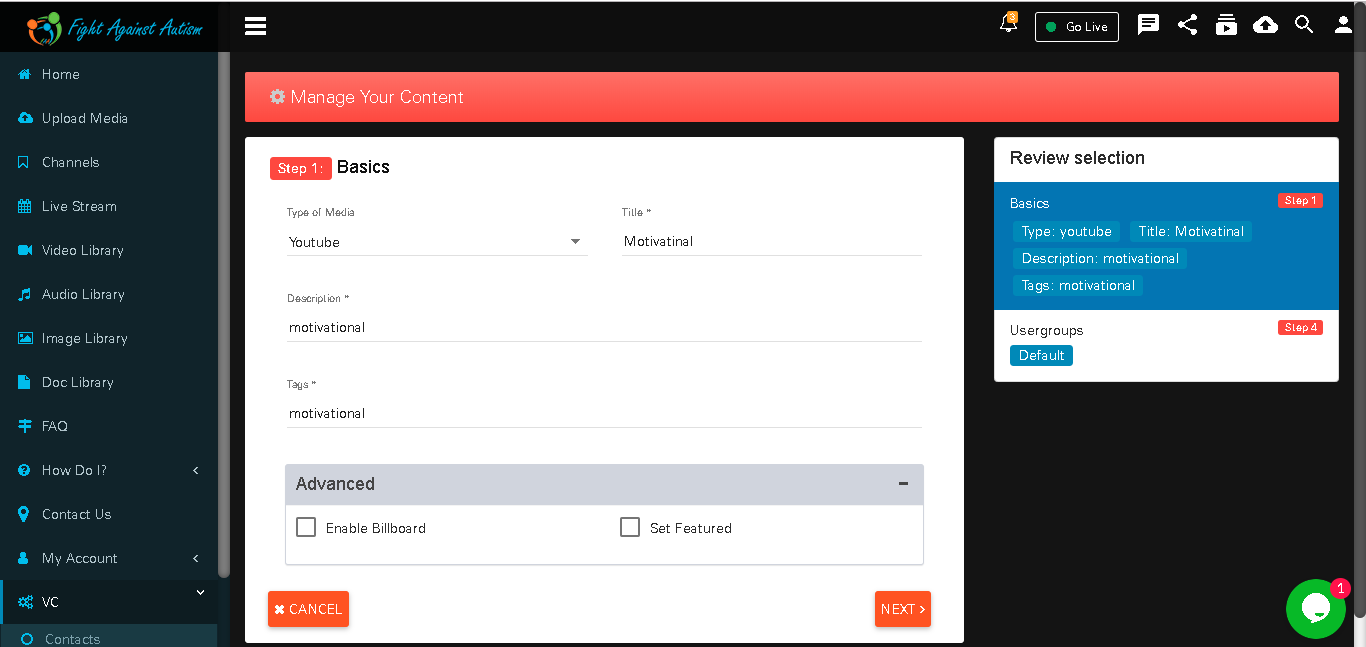
After selecting media type as you tube user have to fill all relevant information.
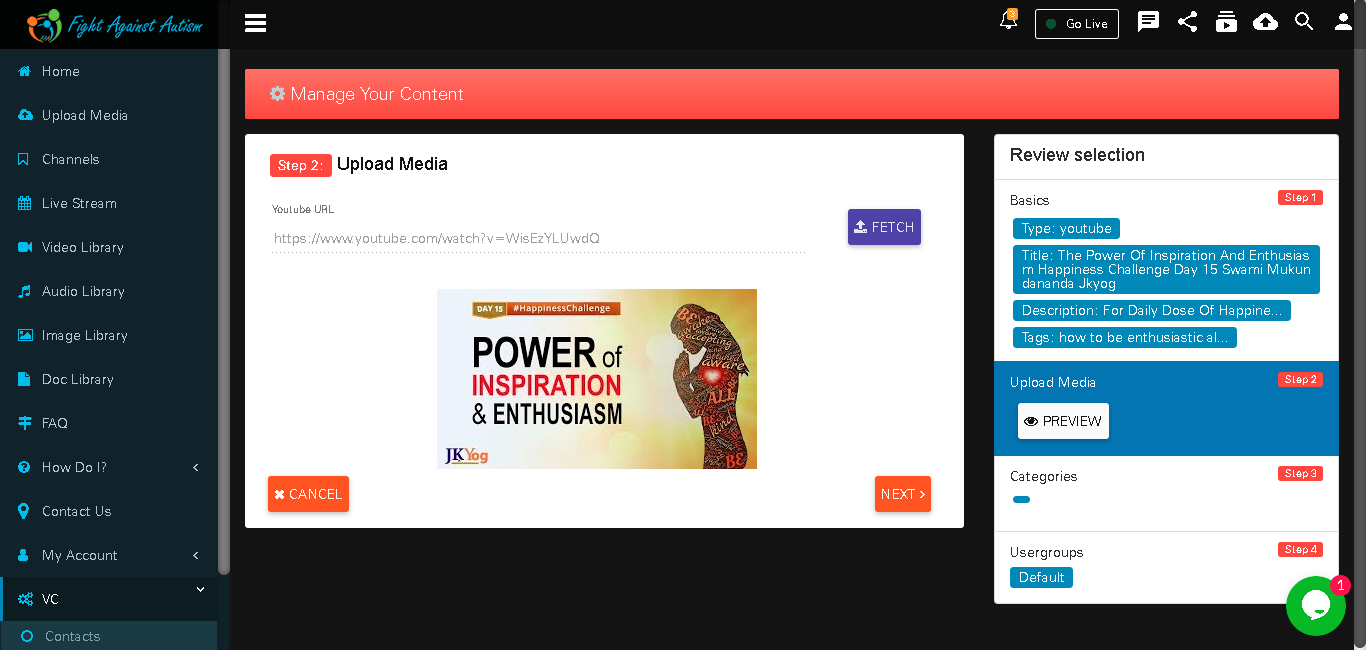
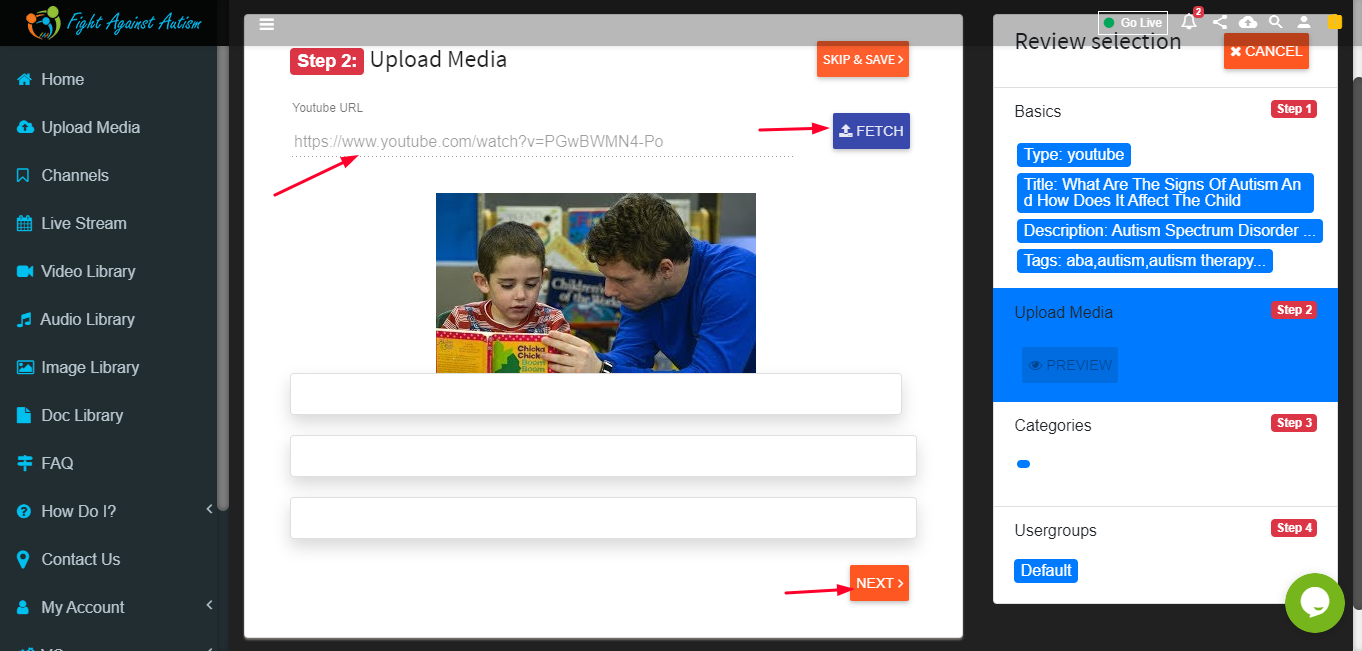
Fetch you tube URL
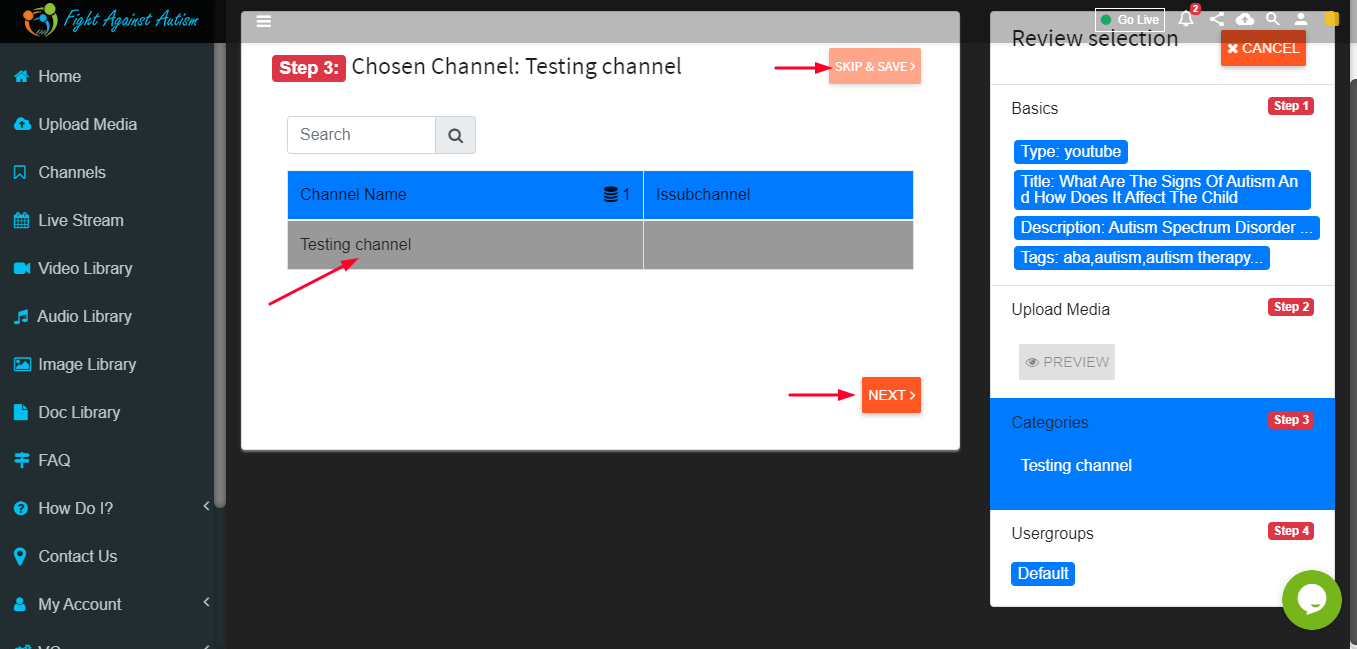
Assign Channel.
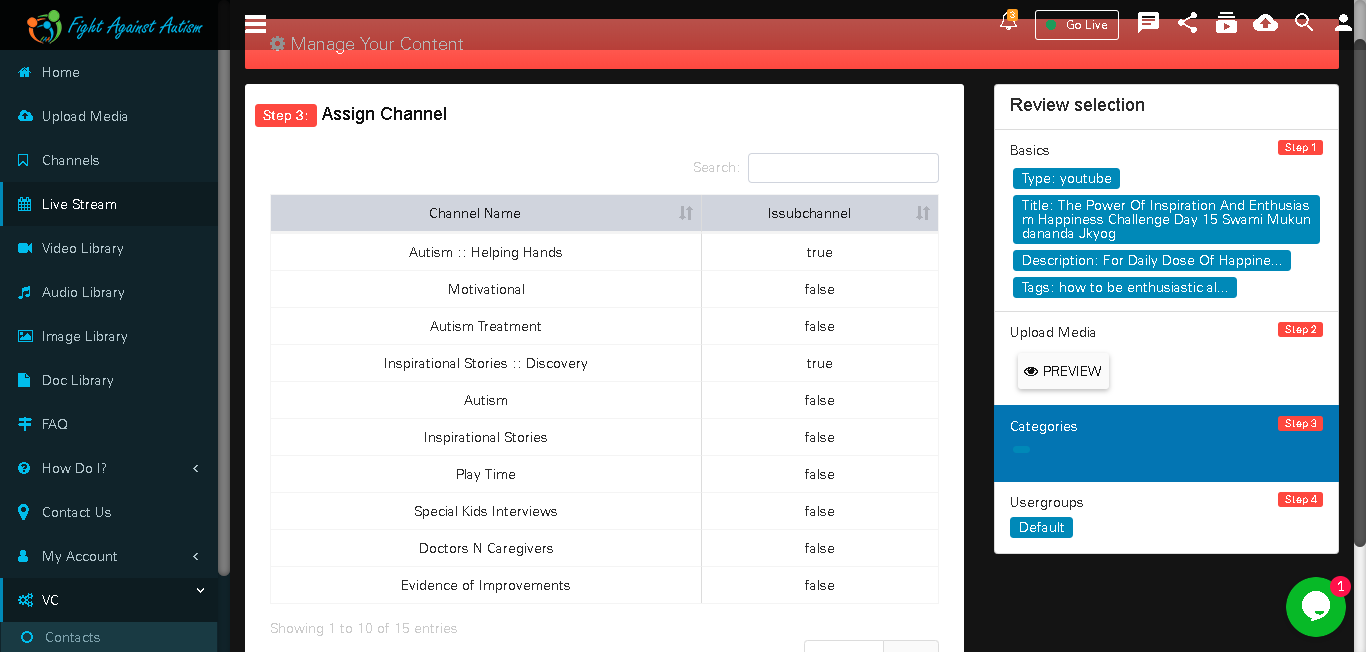
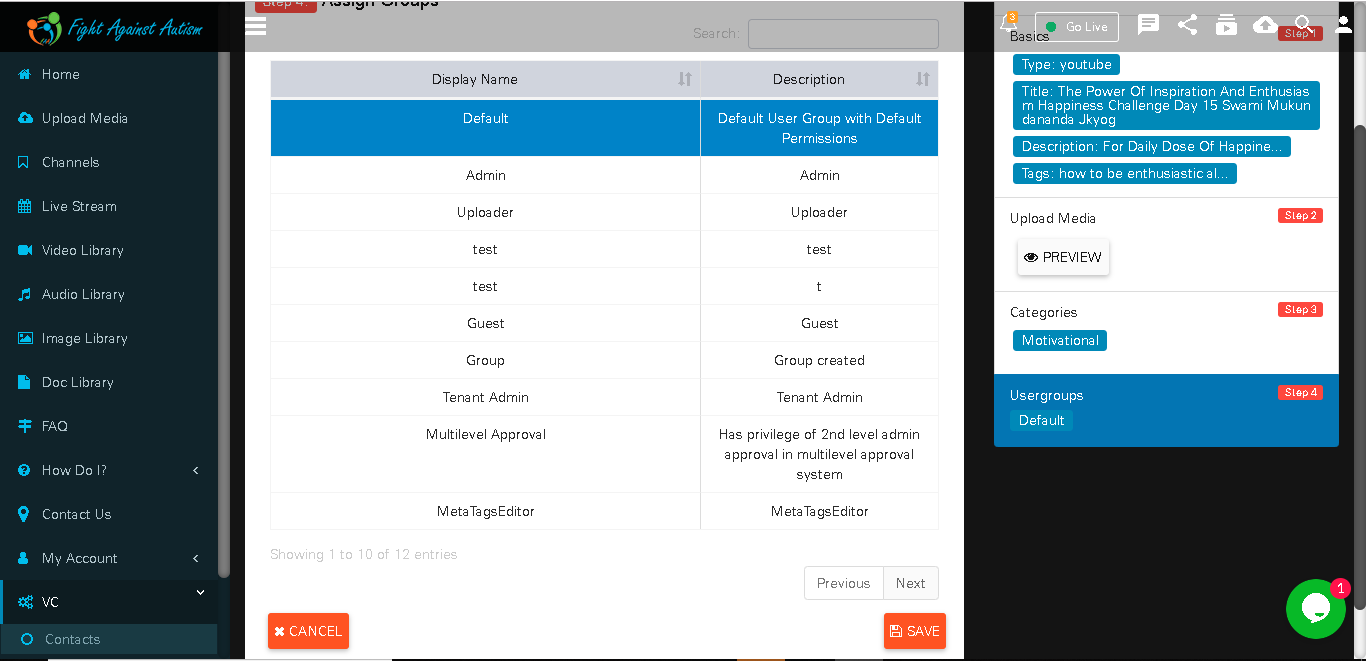
User can assign user group
Your video is Pending to approve.
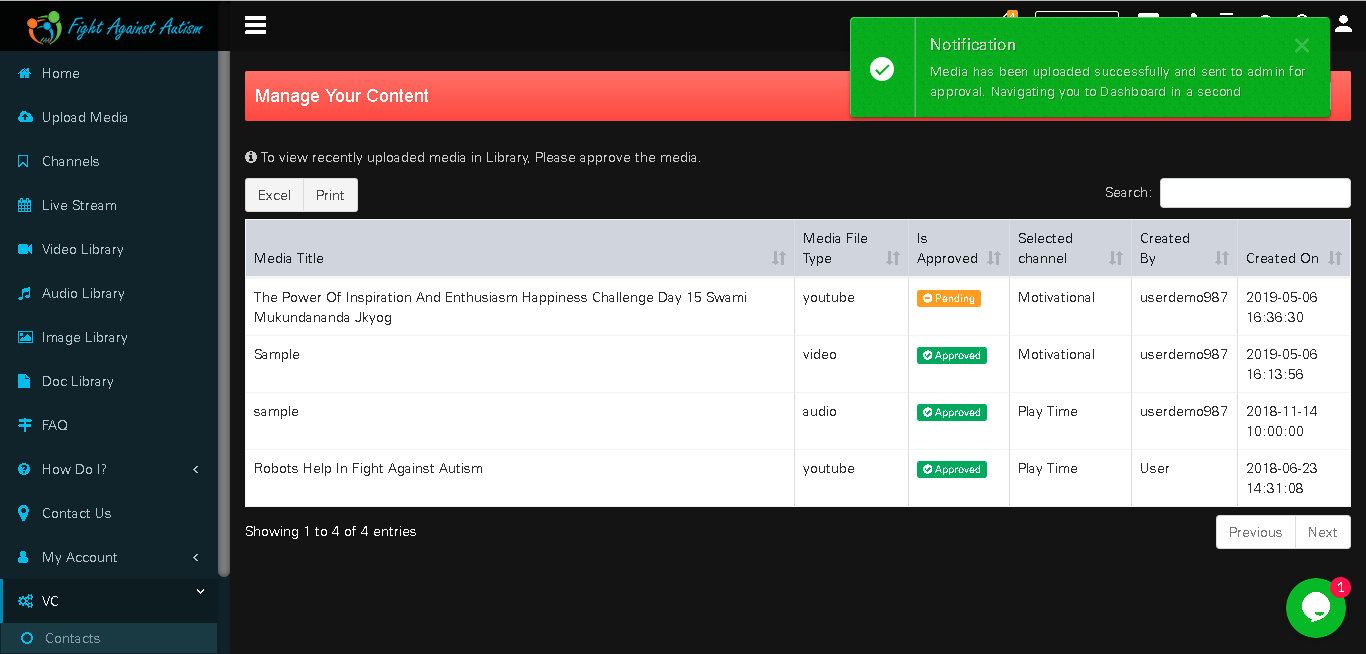
User can approved video by clicking on approve button
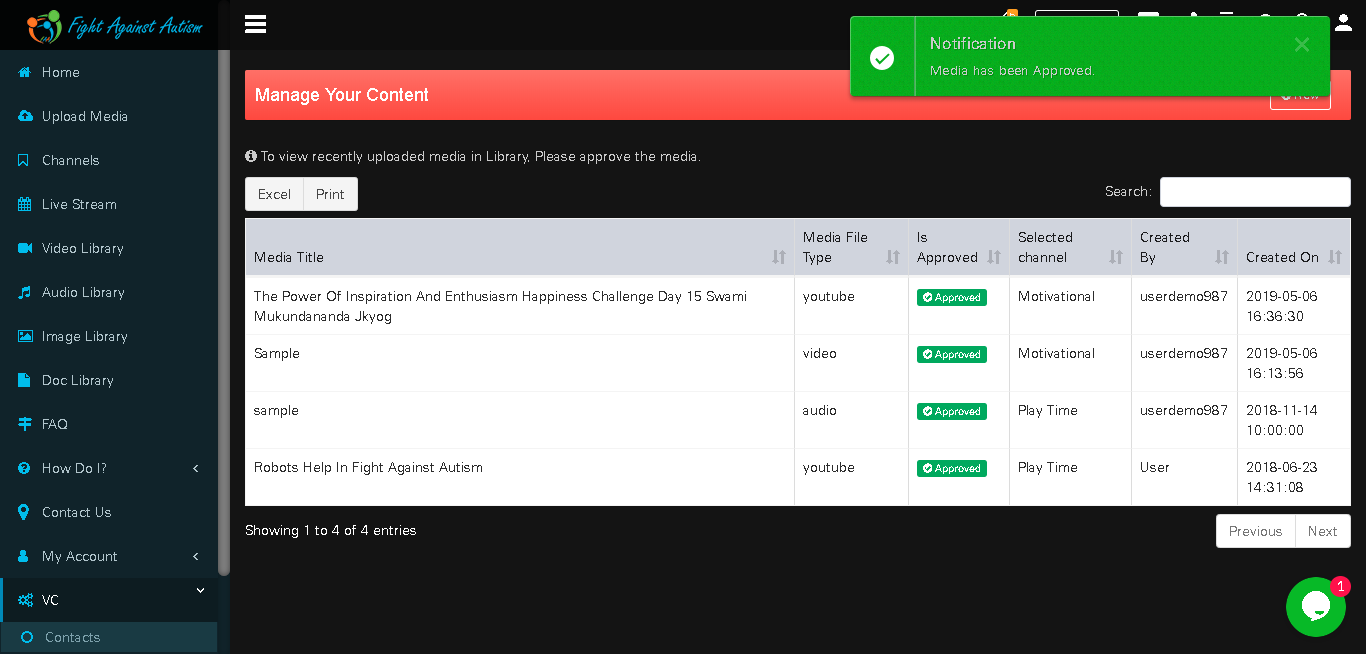
User can see their video in video library of youtube tab
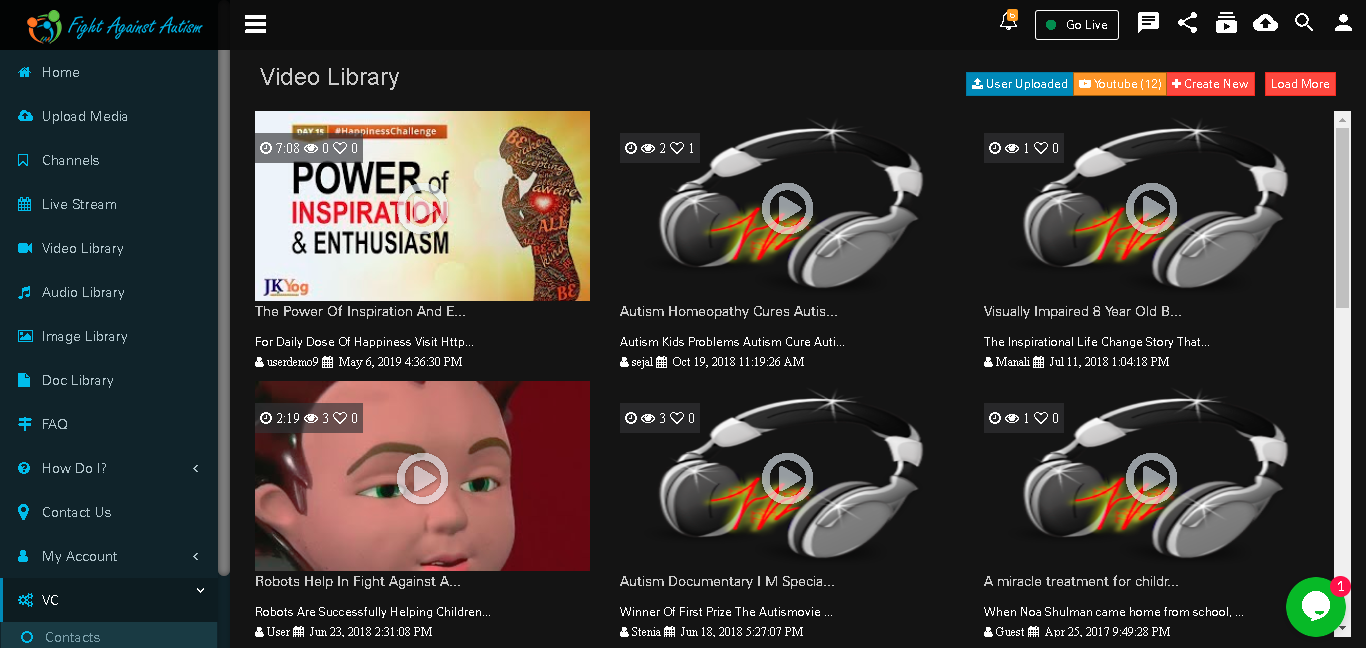
User Can Upload Videos Directly Also
Select Video Type
Put Relevant Information And Click Next
Put URL ,Fetch And Click Next
Select Channel,Skip And Save
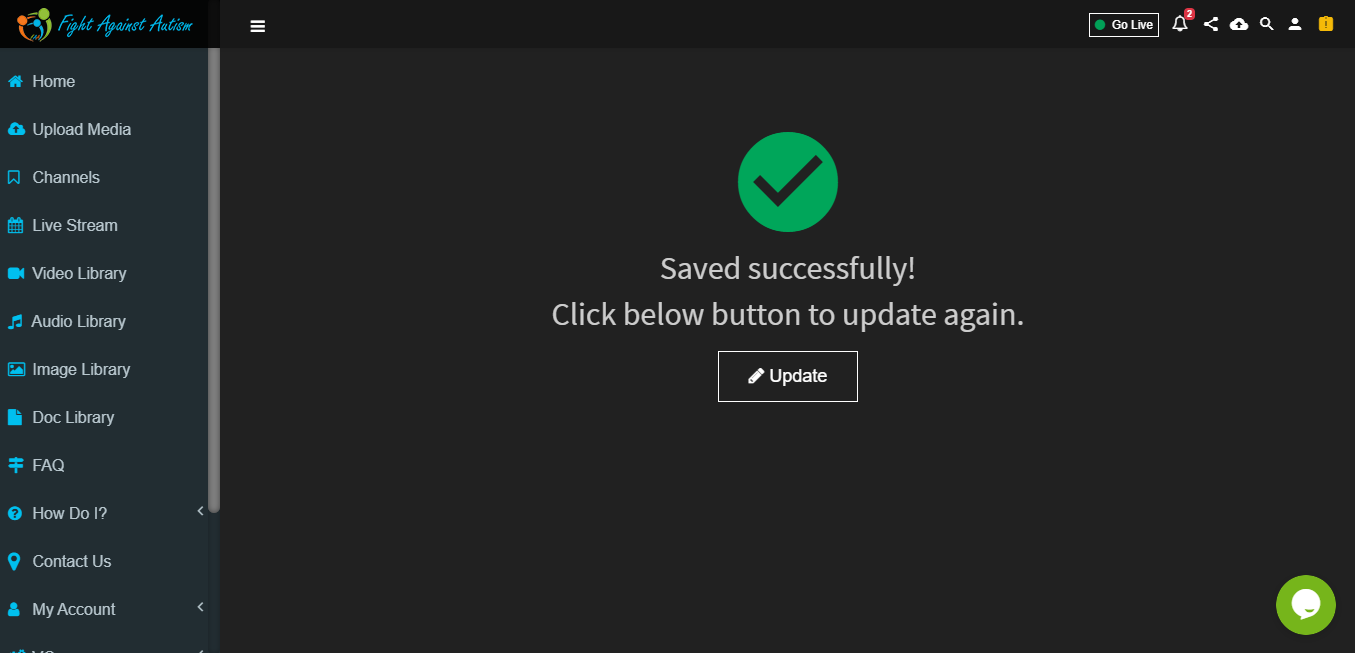
Video Saved